
In this section, you will add a notification stage to your GitLab CI/CD pipeline to send Webex notifications to your team about pipeline execution results. This will keep you informed about successful deployments, failures, or any issues that require attention.
You will now add the notify stage to the stages section of your .gitlab-ci.yml file. This stage will run after the CXTM stage to send Webex notifications about the pipeline execution results.
stages:
  - validate
  - plan
  - deploy
  - test
  - cxtm
  - notify
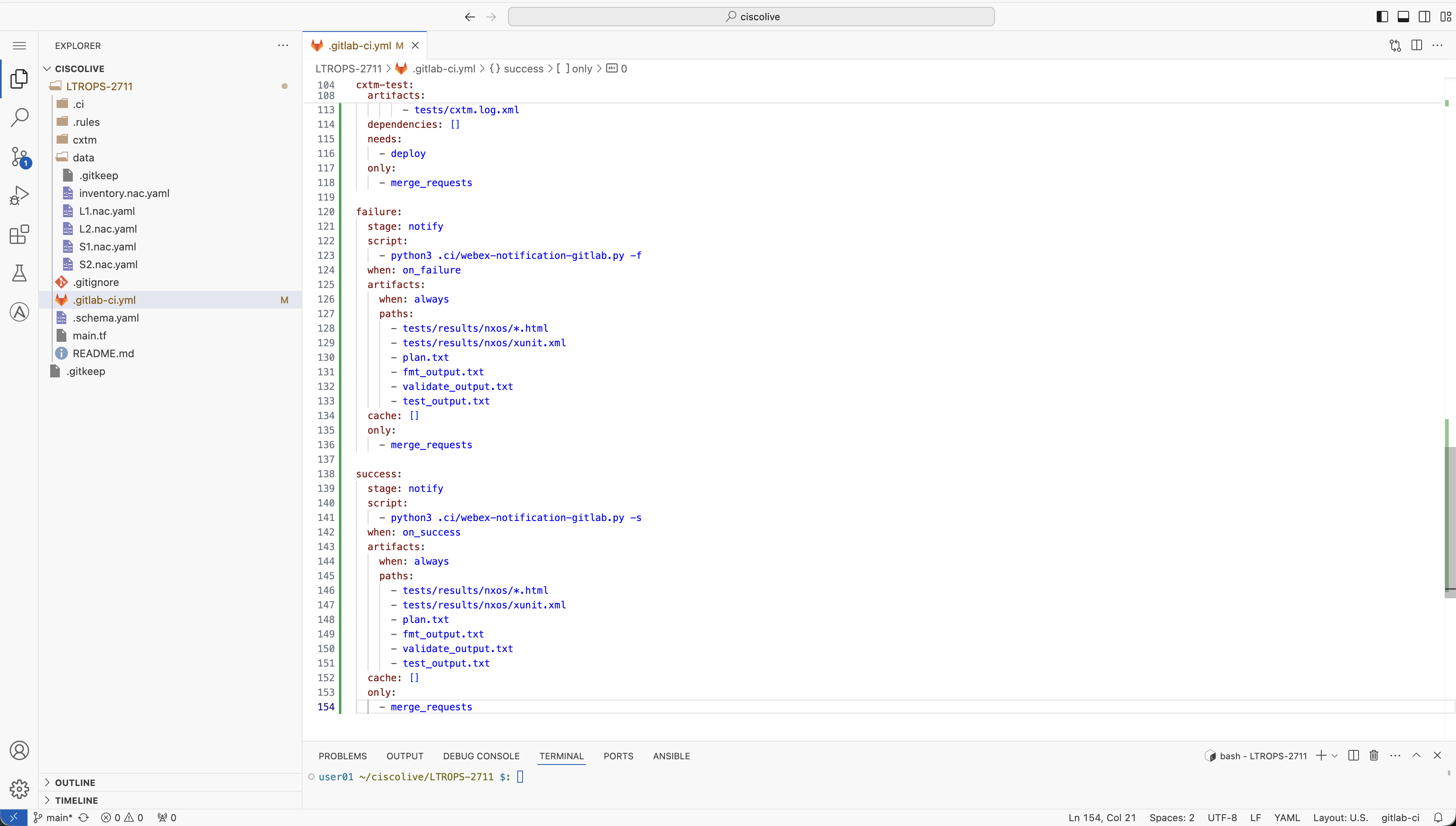
Now you will add the job configuration for the notify stage. This job will send Webex notifications about the pipeline execution status.
failure:
  stage: notify
  script:
    - python3 .ci/webex-notification-gitlab.py -f
  when: on_failure
  artifacts:
    when: always
    paths:
      - tests/results/nxos/*.html
      - tests/results/nxos/xunit.xml
      - plan.txt
      - fmt_output.txt
      - validate_output.txt
      - test_output.txt
  cache: []
  only:
    - merge_requests

success:
  stage: notify
  script:
    - python3 .ci/webex-notification-gitlab.py -s
  when: on_success
  artifacts:
    when: always
    paths:
      - tests/results/nxos/*.html
      - tests/results/nxos/xunit.xml
      - plan.txt
      - fmt_output.txt
      - validate_output.txt
      - test_output.txt
  cache: []
  only:
    - merge_requests
Continue to the next section to add additional leaf switches to your data center fabric.